
1.5.7 - Ping Pong Assembly
Custom Mechanism: This guide covers the physical assembly of the Ping Pong Launcher add-on for your XRP.
🛞 1. Base Mounts
Section titled “🛞 1. Base Mounts”We start by attaching the foundational mounts directly to the XRP chassis.
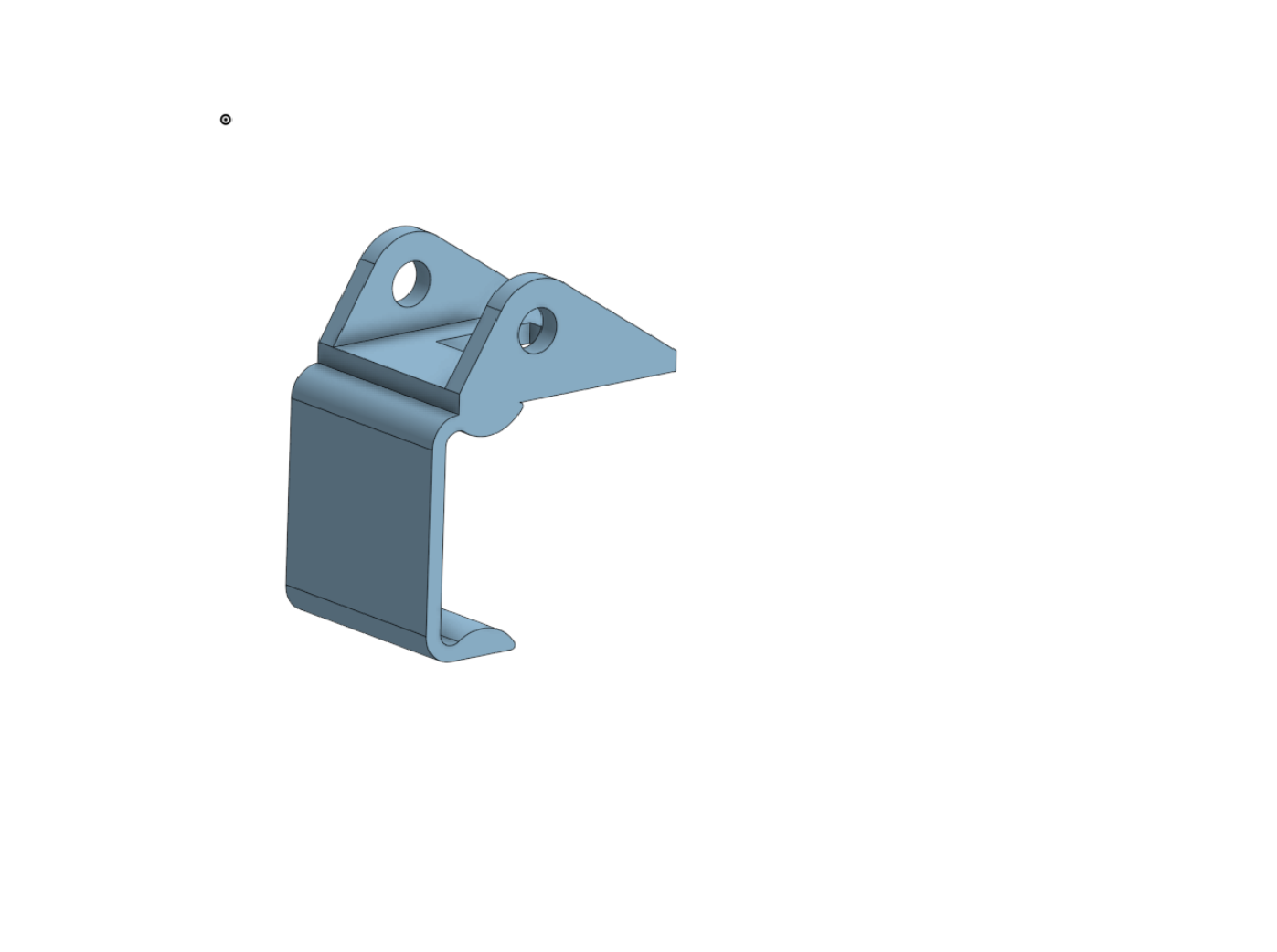
Main Assembly Mount
Mounts to the XRP to attach the main structure and pivot. A standard 10-32 bolt is used as the axle.
🧵 2. Winch Motor Mount
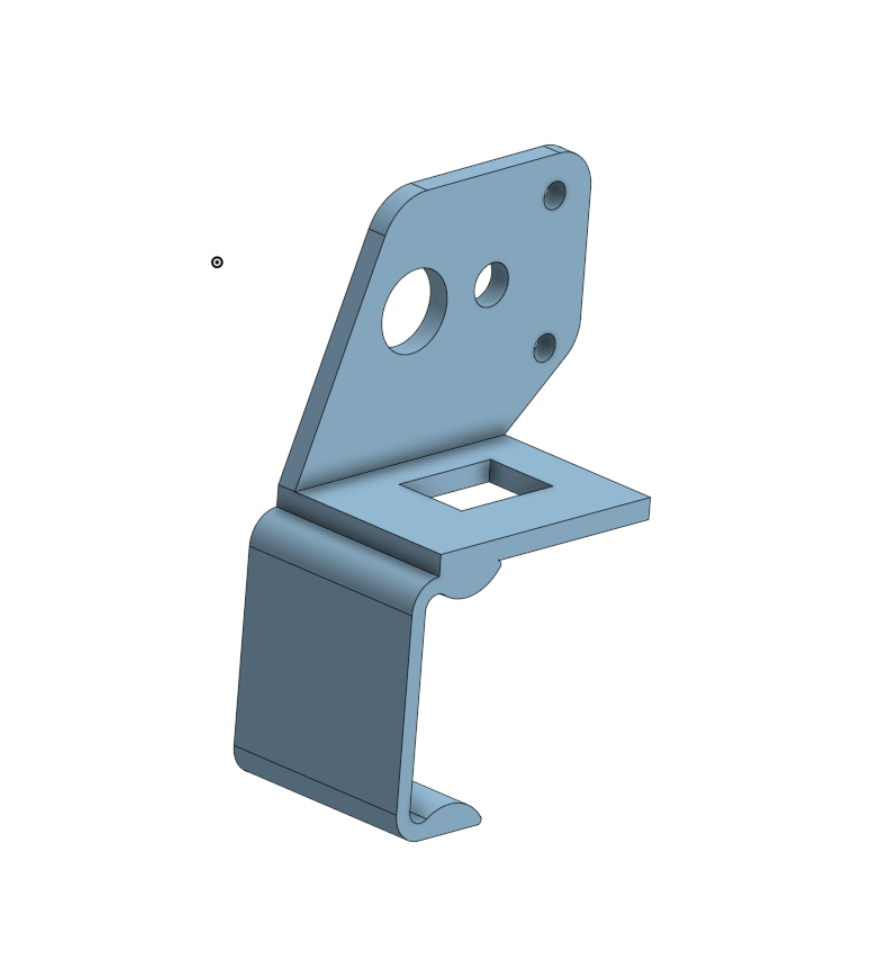
Section titled “🧵 2. Winch Motor Mount”Mount the motor to the winch mount with zip ties.
Mounts to the XRP to hold the winch motor. You will use zip-ties to secure the motor to this printed frame. Also add the winch roller to the axle after mounting the motor.
🎯 3. The Core Structure
Section titled “🎯 3. The Core Structure”Building the main body of the launcher.
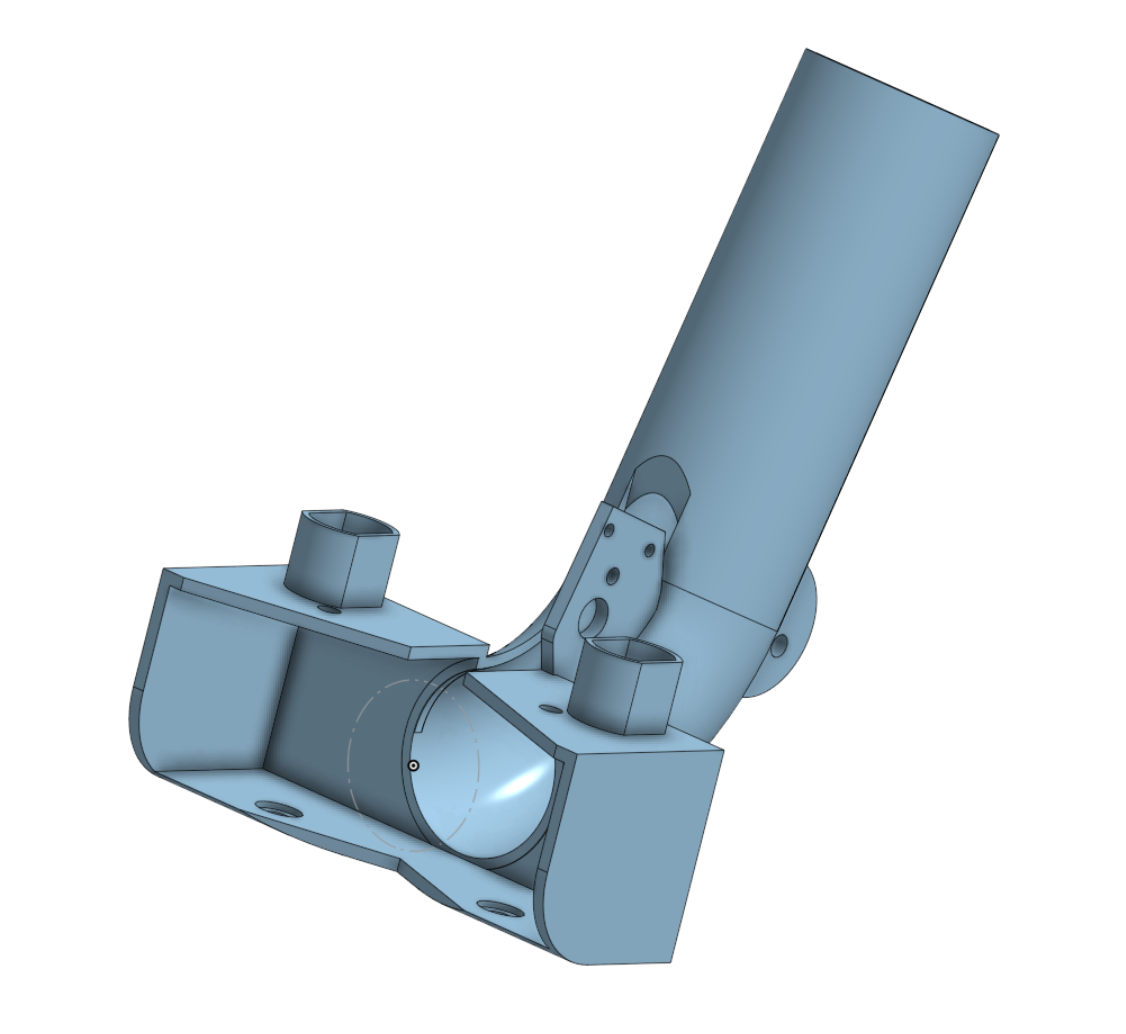
Launcher Main Body
The core assembly part where the shooter flywheels and motors attach. The 6V motors have a friction fit, and the red motor uses zip-ties to attach to the frame. We will use a dab of hot glue to secure the friction fit components for game play.
🔄 4. Feeder
Section titled “🔄 4. Feeder”Mount the feeder motor and wheel to the shooter assembly to feed the balls into the intake.
Feeds the ping pong balls into the intake and rolls them out to be sent through the flywheel at a consistent rate. Look out for interference with the fit and ensure all parts spin freely.
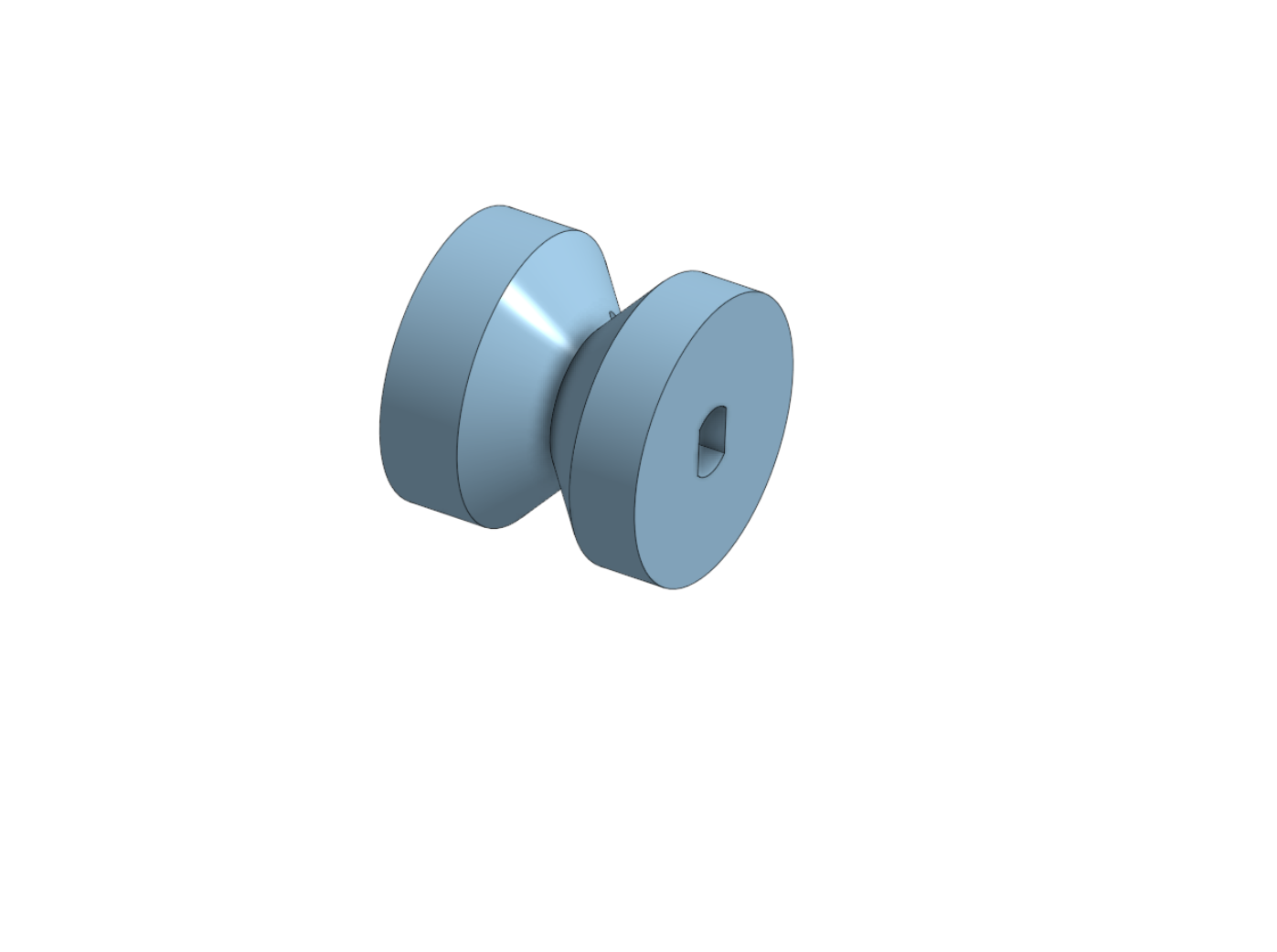
📐 5. Winch Roller
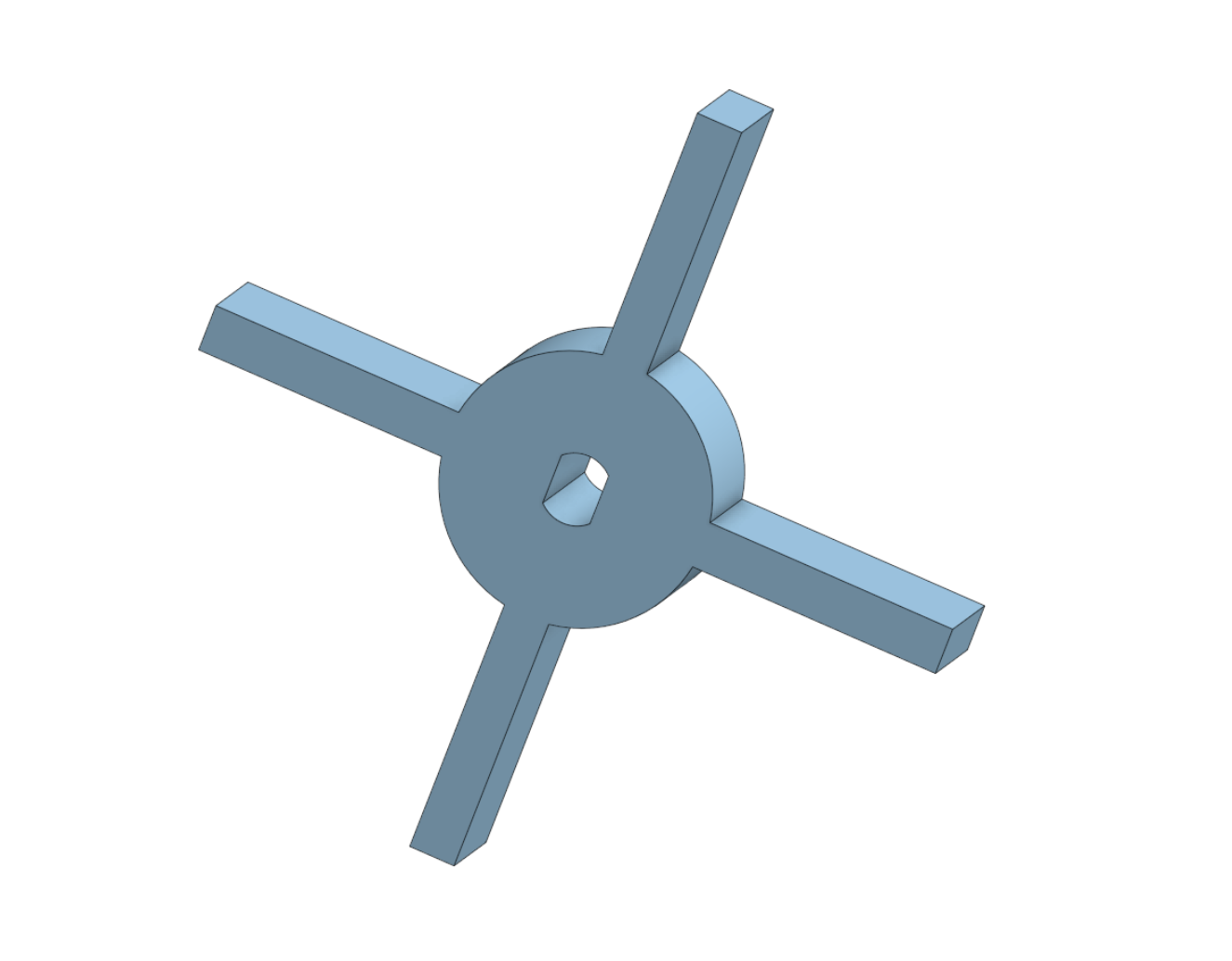
Section titled “📐 5. Winch Roller”String the winch wheel to the shooter for angle control.
A small roller to pull and release a string that is tied off at both ends with fishing line, allowing you to control the shooter angle (elevation) via code.
⚡ 6. Control Systems
Section titled “⚡ 6. Control Systems”Mounting the brains of the operation.
Electronics Board
A dedicated mounting board. You will hot-glue your Arduino and L9110S motor driver to this plate to keep your wiring clean and safe.
Answered: 0 / 0 (0%)